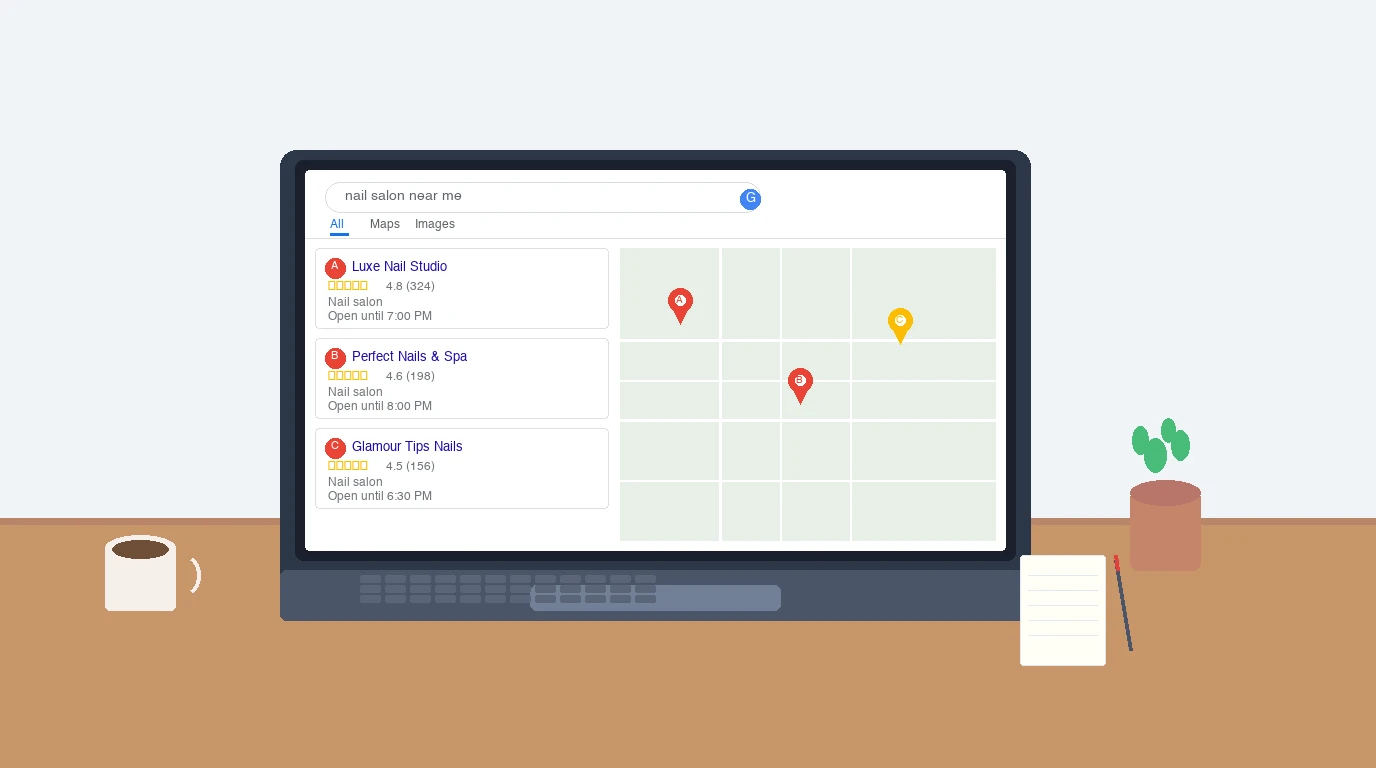
When someone searches “nail salon near me,” Google decides which three businesses show up on the map. That decision comes down to your Google Business Profile. The map pack appears in 93% of local searches, and 42% of people who see it click one of those top three results (Red Local SEO). Businesses that land in that pack get 93% more calls, clicks, and direction requests than those ranked below it.
If you run a nail salon and your profile is incomplete, unverified, or neglected, you are invisible to the people actively looking for your services. Here is how to fix that.
Claim and Verify Your Listing
Go to business.google.com and search for your salon name. If it already exists (Google creates listings from public data), click “Claim this business.” If not, click “Add your business.”
Google will verify you own the business, usually by postcard (5 to 7 days), phone call, or email. Some salons qualify for instant verification through Google Search Console.
Do not skip this step. Unverified listings cannot respond to reviews, post updates, or access analytics. Verified businesses receive roughly 595 calls and 66 direction requests per year from their profile alone (BirdEye).
Choose the Right Categories
Your primary category should be Nail Salon. This is the single most important ranking factor for map pack placement.
Add secondary categories only if they accurately describe services you offer. Good options for nail salons include:
- Beauty Salon (if you offer additional beauty services)
- Waxing Service (if applicable)
- Day Spa (if you provide spa-level pedicures or packages)
Do not add categories for services you do not provide. Google’s guidelines are clear: categories should complete the statement “This business IS a ___,” not “This business offers ___” (Google Business Profile Help).
Fill Out Every Field
Listings with complete information get 7x more clicks than incomplete ones. Fill in everything Google offers:
- Business name. Your real-world name only. Do not stuff keywords like “Best Nail Salon Los Angeles” into the name field. Google can suspend your listing for this.
- Address. Make sure your pin is in the correct location. A misplaced pin sends customers to the wrong block.
- Phone number. Use a local number, not a call tracking number.
- Hours. Update for holidays and seasonal changes. Inaccurate hours are a top driver of negative reviews.
- Website URL. Link directly to your site or booking page.
- Business description. Write 250 to 750 characters describing your salon. Include the city or neighborhood name naturally. Focus on what sets you apart.
Upload Photos That Convert
Profiles with photos receive 42% more direction requests and 35% more clicks to the website than profiles without them (BirdEye). But not all photos are equally useful.
Photos that drive bookings:
- Your storefront from the street (so people can find you)
- The interior, showing clean stations and good lighting
- Close-ups of finished nail sets (gel, acrylics, nail art, pedicures)
- Your team at work
Photos that waste space:
- Stock images (Google may remove them)
- Blurry phone shots with poor lighting
- Heavily filtered images that misrepresent your space
Upload at least 10 photos when you first set up, then add 2 to 3 new ones each week. Google favors profiles that show recent activity. Use natural lighting and shoot nail close-ups against a clean, neutral background.
Add Your Booking Link
Google Business Profile supports a direct booking button. Set this up under the “Booking” section in your profile dashboard. Whether you use Fresha, Booksy, Lutily, or Square Appointments, make it one click from your Google listing.
48% of all interactions on business profiles are website visits, many from people trying to book (Map Labs). If your booking link is missing, those potential clients either call (adding friction) or move on to a competitor.
Use Google Posts
Google Posts appear directly on your profile in search results. Most nail salons ignore this feature, which is exactly why using it gives you an edge.
Post weekly. Effective post types for nail salons:
- New designs. Photo of a trending set with a short description and a “Book now” button.
- Seasonal promotions. “Valentine’s Day special: couples mani-pedi $85. Book by Feb 10.”
- Service highlights. Spotlight a specific service like dip powder or structured gel. Explain what it is and who it is for.
Include one high-quality image and a call-to-action button (Book, Learn More, Call Now). Posts expire after seven days, so treat them as a weekly habit.
Set Up the Q&A Section
The Q&A section on your profile is public. Anyone can ask or answer questions. If you do not manage it, random people will answer for you, often inaccurately.
Seed it with common questions and answer them yourself:
- “Do you take walk-ins?”
- “What types of nails do you offer?”
- “Is there parking nearby?”
- “Do you do nail art for special events?”
Check this section monthly. Upvote your own answers so they stay pinned at the top. Flag any spam or misleading answers from competitors.
How to Get More Google Reviews for Your Nail Salon
Reviews are the second most important ranking factor for the map pack. Each additional review results in roughly 80 more website visits, 63 more direction requests, and 16 more calls (Search Endurance). And 92% of customers will use a local business if it has at least a 4-star rating.
How to get more reviews:
- Ask every satisfied client before they leave. A simple “Would you mind leaving us a Google review?” works.
- Create a short link to your review page. In your profile dashboard, click “Ask for reviews” and copy the link. Print it on a card or add it to your after-appointment text.
- Never offer discounts or gifts in exchange for reviews. Google prohibits incentivized reviews and can suspend your listing.
How to handle reviews:
- Respond to every review within 24 hours. Faster replies correlate with better local rankings.
- Thank positive reviewers by name and mention the specific service.
- Address negative reviews professionally. Acknowledge the issue, offer to make it right offline. Never argue in public.
Google Maps Optimization
Your ranking in Google Maps depends on three factors: relevance (how well your profile matches the search), distance (proximity to the searcher), and prominence (your online reputation).
You control relevance and prominence:
- Keep your NAP consistent. Your Name, Address, and Phone number should match exactly across your website, social media, Yelp, and every other directory.
- Get listed in directories. Claim profiles on Yelp, Bing Places, Apple Maps, and industry directories. Each consistent listing reinforces your legitimacy.
- Embed Google Maps on your website. Add a map on your Contact page. This links your website to your Google Business Profile.
- Encourage client photo uploads. When customers upload their own photos, it signals to Google that your business is active and popular.
Track Your Results
Google Business Profile provides free performance data. Check it monthly:
- Search queries. What terms are people finding you for? If “acrylic nails near me” shows up frequently, make sure your services and posts reflect that.
- Customer actions. Track calls, direction requests, and website clicks over time. A sudden drop means something changed.
- Photo views. Compare your photo count and views to competitors in your area. Google shows you the comparison directly.
The average profile receives about 33 clicks per month. Well-maintained profiles far exceed that. If yours is below average, the fixes are straightforward: better photos, more reviews, consistent posting, complete information.
Start Today
Claim your profile. Fill in every field. Upload real photos. Ask your next five clients for a review. Post something this week. These steps separate the nail salons that show up on the map from the ones that do not.
Your Google Business Profile works best alongside a nail salon website and a review management strategy. For more on that, see our guide on managing online reviews for your nail salon.